
🍅 Try Smart-Pomo or see the code
💻 Github repository: https://github.com/fabiobiffi/smart-pomo
✅ Production environment: https://smartpomo.com/
A hands-on experiment with coding agents and the future of software development 🤖
Over the past few months, AI-assisted development has become a recurring topic. Chatbots that write code, assistants that suggest snippets, tools that promise to “10x your productivity”. A lot of theory, a lot of hype, and not enough real-world experimentation.
So I decided to run a practical test: build a complete (small) web application using a coding agent, starting from scratch and relying entirely on well-written prompts.
The goal was simple but meaningful: create a web-based Pomodoro Timer with an integrated Todo List, with a strong focus on UX and visual polish, using Vue 3 and Tailwind CSS.
For this experiment, I used OpenCode, an AI coding agent that runs directly from the terminal, together with Grok Code.
The project idea
A Pomodoro Timer is a perfect candidate for this kind of experiment:
- clear and well-known functionality
- a defined UX pattern
- simple interactions, but not trivial
- room for design, animations, and state management
Adding a Todo List makes things more interesting and challenging.
I named the project smart-pomo, partly because it sounds decent, and partly because it could realistically live on a domain like smartpomo.com in the future.
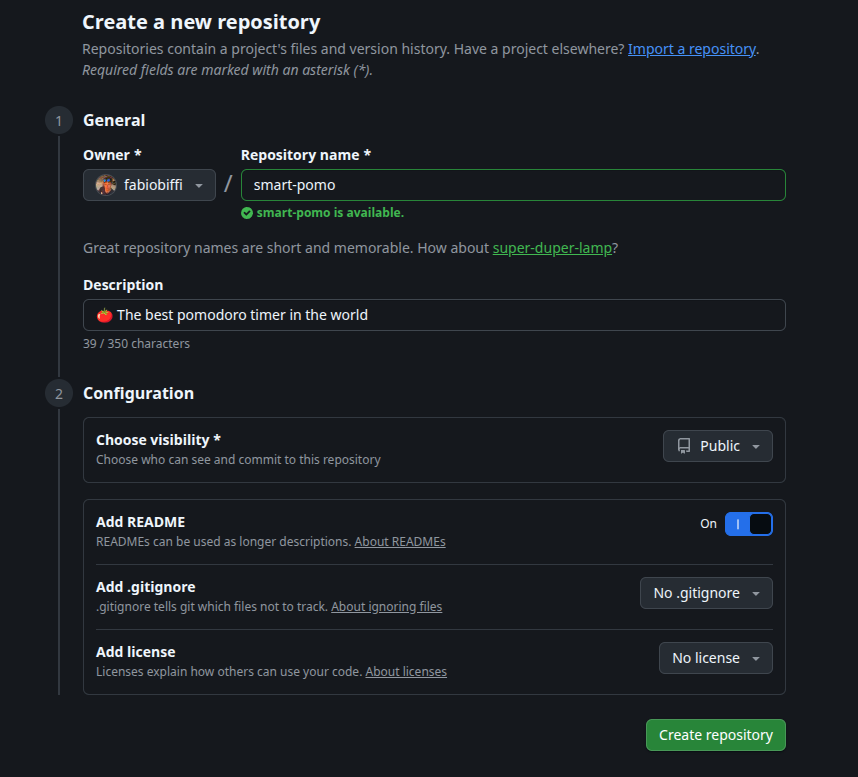
Step 1: create the repository
The first step was creating a dedicated Git repository. Nothing fancy, but it matters more than people like to admit:
- a clear project name
- a clean starting point
- a defined end goal
A coding agent is not a mind reader. It behaves like a very fast junior developer: it does exactly what you ask. No more, no less.
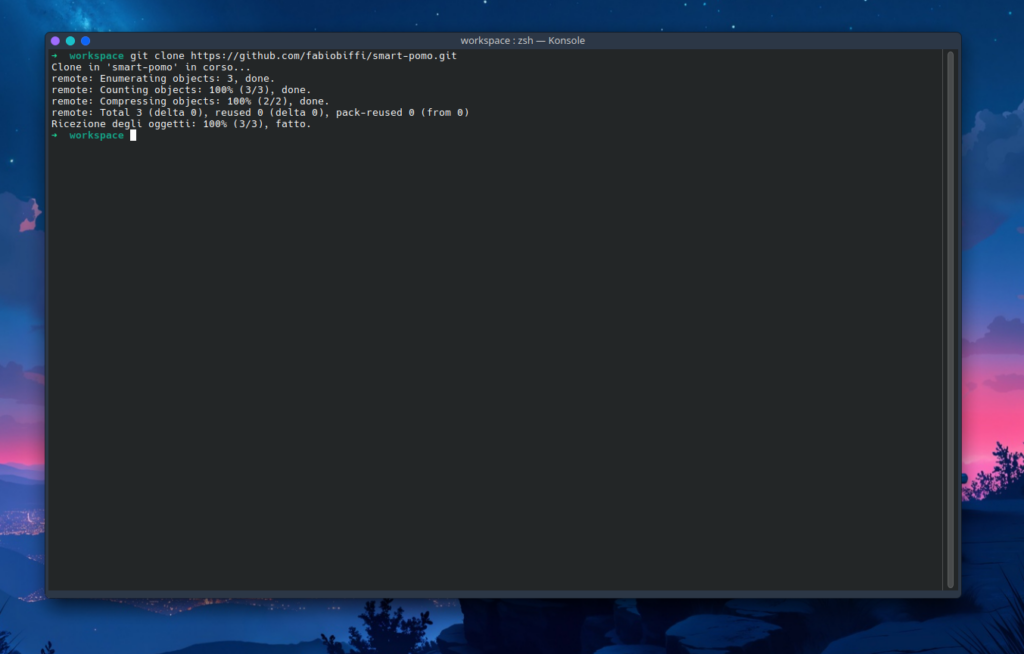
Step 2: cloning the repository
After cloning the repository locally, everything was ready for the interesting part: letting the AI do its job.
Nothing exciting happens here, but skipping these basics is how you end up blaming tools for your own shortcuts.
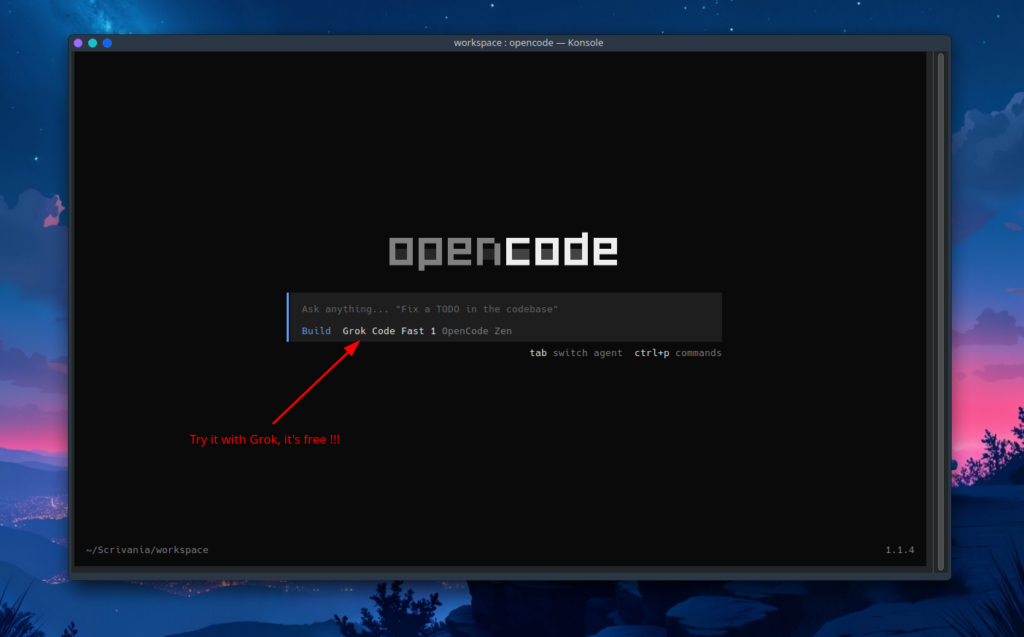
Step 3: running OpenCode
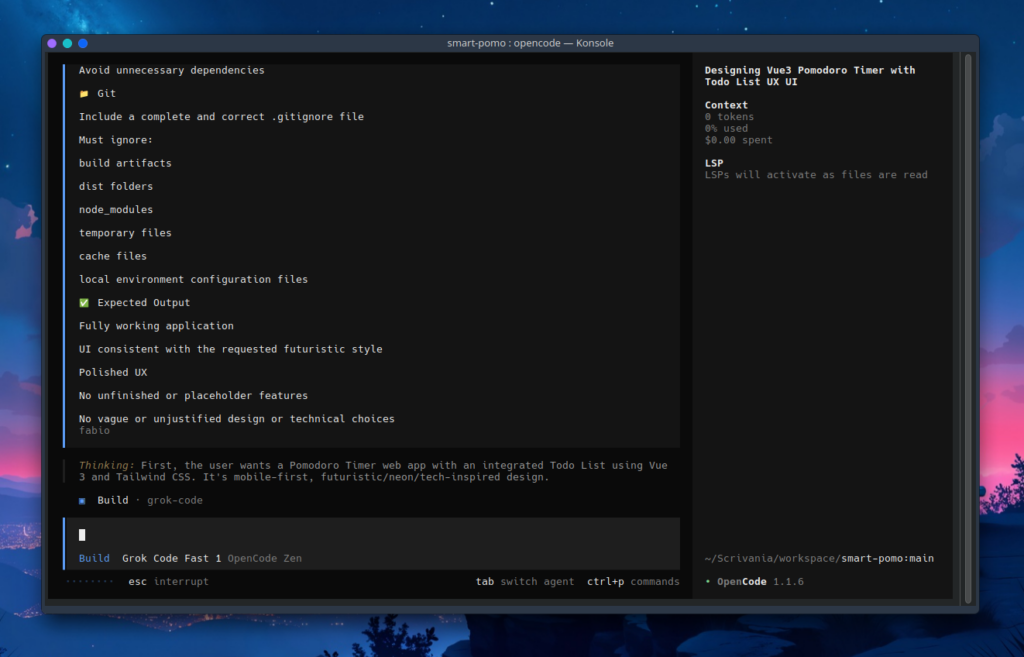
At this point, I launched OpenCode from the terminal (inside the root project folder) and prepared to feed it instructions.
Step 4: writing the prompt properly
I wrote a very detailed prompt, explicitly asking the AI to act as:
A Senior Frontend Engineer specialized in Vue 3, with strong attention to UX, performance, and modern UI design.
The goal was clearly defined:
- a Pomodoro Timer as the main focus
- an integrated Todo List
- Vue 3 with the Composition API
- Tailwind CSS
- a mobile-first approach
- a futuristic / neon / tech-inspired visual style
Design & UI requirements
I explicitly requested:
- gradients
- glow and light effects
- soft shadows
- subtle animations
- a modern, readable font
- large, clear timer numbers in
MM:SSformat
The timer had to be the main visual element, readable even on small screens.
Pomodoro Timer features
Required behavior:
- classic countdown logic
- alarm sound when the timer reaches zero
- predictable, clean functionality
No vague features. No “we’ll see later”.
Todo List features
Placed immediately below the timer and reachable by scrolling:
- add new todos
- inline editing
- delete todos
- mark todos as completed
- clear visual distinction for completed items
- no limit on the number of tasks
Structure and best practices
I also requested:
- well-separated Vue components
- simple and effective state management
- no unnecessary dependencies
- a professional project structure
- a complete
.gitignorefile
In short: real-world project requirements, not tutorial-level instructions.
Step 5: analyzing the generated output
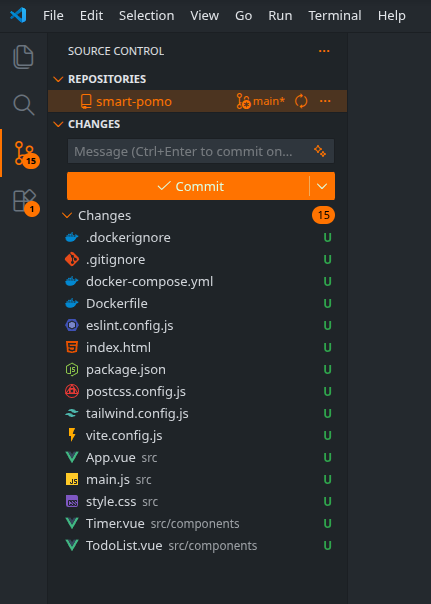
The output produced by OpenCode was surprisingly consistent with the prompt:
- a sensible project structure
- properly separated Vue components
- correct use of the Composition API
- Tailwind used appropriately
- readable and commented code
Was it perfect? No.
Was it solid? Absolutely.
And most importantly: it was generated in minutes.
Step 6: running the app and Dockerization
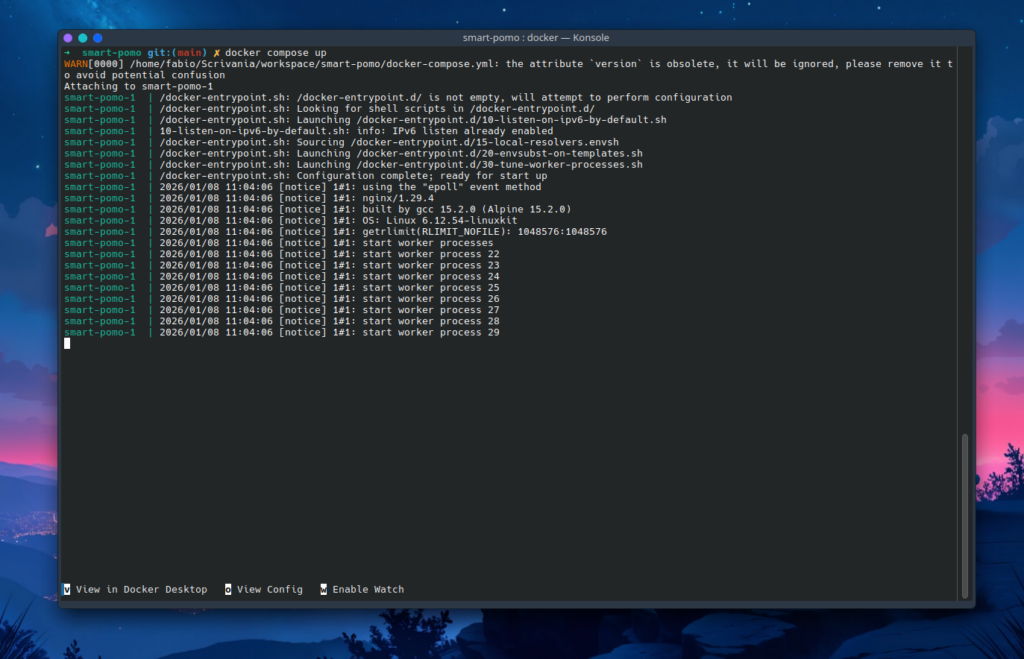
In a follow-up prompt, I explicitly asked the agent to Dockerize the entire application, making it easier to run and replicate.
Once again, the output was correct:
- a working Dockerfile
- simple setup
- no unnecessary complexity
The app runs. No drama.
Step 7: reviewing the result in the browser
This is the moment of truth.
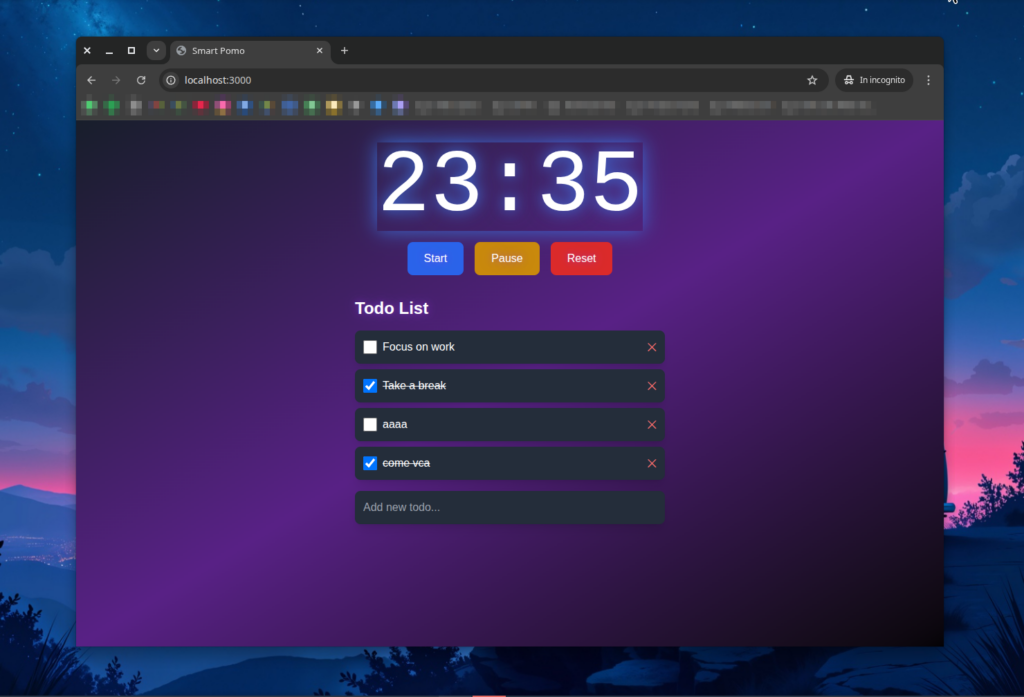
Was it exactly how I imagined it?
Honestly, no.
But that’s not a failure.
The important part is context:
this was the first iteration, generated automatically, in a very short time, from a single prompt.
It wasn’t ugly.
It wasn’t broken.
It was simply a starting point.
And a very reasonable one.
Step 8: further design iterations
Just like with human developers, iteration is key. With additional prompts, I asked the agent to:
- improve the visual design
- push the style closer to an arcade game aesthetic
- enhance colors, contrast, and effects
After a few iterations, the app started to feel less like a technical demo and more like an actual product: playful, usable, and visually coherent.

Final thoughts
In less than a morning of work, I managed to build a complete web application:
- functional
- visually appealing
- usable
- with reasonably good code quality
The key takeaway isn’t “AI is amazing”. The real takeaway is prompt quality. Coding agents are not just glorified chatbots. They are tools that:
- can run tasks in parallel
- can focus on specific responsibilities
- can produce verifiable output
The role of the developer doesn’t disappear, it evolves. The developer becomes an orchestra conductor. You need to know how to:
- define clear goals
- write precise specifications
- critically evaluate the output
- iterate, refine, and improve
This aligns closely with a quote from Salvatore Sanfilippo (Antirez), who once said:
In the future, we will trust AI-generated output in the same way we trust the output produced by compilers that generate machine code today.
We don’t fully understand every internal step. But we know when the result is correct.
And that’s already enough.