
ℹ️ Info: this article is a follow-up to this one, don’t miss it if you want to fully understand the foundational concepts.
Have you started getting into AI agents for coding or are you just curious to try but you don’t have the budget for credits or subscriptions like Cursor or Claude Code?
You’re in the right place. In this post I’ll show you how to set up a completely free multi-agent development environment, so you can have an entire “team” of specialized agents that can take a task, break it down into smaller activities, and assign each part to the most suitable agent.
⚠️ WARNING: use the configurations shown in this article only for personal projects. Do not use them for company/work projects. Always check whether your organization’s internal policies allow AI-assisted coding and, when appropriate, request access to paid models. Remember: when the product is free, the product might be you.
Introducing Opencode: the open-source alternative to Claude Code
OpenCode is an open source platform that acts as an AI agent to assist with software development. It can write, modify, and analyze code automatically using AI models.
It integrates with editors, repositories, and common developer tools to boost productivity, it supports tasks like debugging, refactoring, and code generation. The goal is to make developers’ workflows faster and more efficient.

More info inside the official OpenCode website: https://opencode.ai/it
Oh-my-Opencode-slim: the heroes enter the scene
Oh-my-opencode-slim is a simplified version of a well known Opencode plugin originally called Oh-my-opencode, and now renamed Oh my OpenAgent: https://ohmyopenagent.com/
Oh-my-opencode-slim is an Opencode plugin that provides a set of agents also called heroes each specialized in specific areas of software development.
The truly interesting part is that you can create a JSON configuration and assign different models to each agent (hero), which opens up a lot of customization options.
You can see the available heroes directly in the GitHub repository:
https://github.com/alvinunreal/oh-my-opencode-slim?tab=readme-ov-file#%EF%B8%8F-meet-the-pantheon
As you browse the repository, you’ll notice that each agent comes with a predefined prompt. For example, here’s the prompt for the “Explorer” agent:
const EXPLORER_PROMPT  = `You are Explorer - a fast codebase navigation specialist.

**Role**: Quick contextual grep for codebases. Answer "Where is X?", "Find Y", "Which file has Z".

**When to use which tools**:
- **Text/regex patterns** (strings, comments, variable names): grep
- **Structural patterns** (function shapes, class structures): ast_grep_search
- **File discovery** (find by name/extension): glob

**Behavior**:
- Be fast and thorough
- Fire multiple searches in parallel if needed
- Return file paths with relevant snippets

**Output Format**:
<results>
<files>
- /path/to/file.ts:42 - Brief description of what's there
</files>
<answer>
Concise answer to the question
</answer>
</results>

**Constraints**:
- READ-ONLY: Search and report, don't modify
- Be exhaustive but concise
- Include line numbers when relevant`;
Setting up Oh-my-opencode-slim
If you follow the instructions in the oh-my-opencode-slim repository, you’ll end up with a configuration file at:
~/.config/opencode/oh-my-opencode-slim.jsonIts default content looks roughly like this (note: model versions may change over time compared to when this article was written):
{
  "preset": "openai",
  "presets": {
    "opencode": {
      "orchestrator": {
        "model": "openai/gpt-5.4",
        "skills": ["*"],
        "mcps": ["websearch"]
      },
      "oracle": {
        "model": "openai/gpt-5.4",
        "variant": "high",
        "skills": [],
        "mcps": []
      },
      "librarian": {
        "model": "openai/gpt-5.4",
        "variant": "low",
        "skills": [],
        "mcps": [
          "websearch",
          "context7",
          "grep_app"
        ]
      },
      "explorer": {
        "model": "openai/gpt-5.4",
        "variant": "low",
        "skills": [],
        "mcps": []
      },
      "designer": {
        "model": "openai/gpt-5.4",
        "variant": "medium",
        "skills": ["agent-browser"],
        "mcps": []
      },
      "fixer": {
        "model": "openai/gpt-5.4",
        "variant": "low",
        "skills": [],
        "mcps": []
      }
    }
  }
}
This default configuration is great if you have access to paid OpenAI models. In our case, though, we want to rely on free models offered directly by Opencode: Big Pickle 🥒.
Big Pickle is a stealth model that is available for free on OpenCode for a limited time. The team uses this period to gather feedback and improve the model. ~ Opencode website
So we’ll replace the configuration by pasting the following:
{
  "preset": "opencode",
  "presets": {
    "opencode": {
      "orchestrator": {
        "model": "opencode/big-pickle",
        "skills": ["*"],
        "mcps": ["websearch"]
      },
      "oracle": {
        "model": "opencode/big-pickle",
        "variant": "high",
        "skills": [],
        "mcps": []
      },
      "librarian": {
        "model": "opencode/big-pickle",
        "variant": "low",
        "skills": [],
        "mcps": [
          "websearch",
          "context7",
          "grep_app"
        ]
      },
      "explorer": {
        "model": "opencode/big-pickle",
        "variant": "low",
        "skills": [],
        "mcps": []
      },
      "designer": {
        "model": "opencode/big-pickle",
        "variant": "medium",
        "skills": ["agent-browser"],
        "mcps": []
      },
      "fixer": {
        "model": "opencode/big-pickle",
        "variant": "low",
        "skills": [],
        "mcps": []
      }
    }
  }
}
If everything is set up correctly, you can start Opencode from your terminal with:
opencodeYou should see something like this:
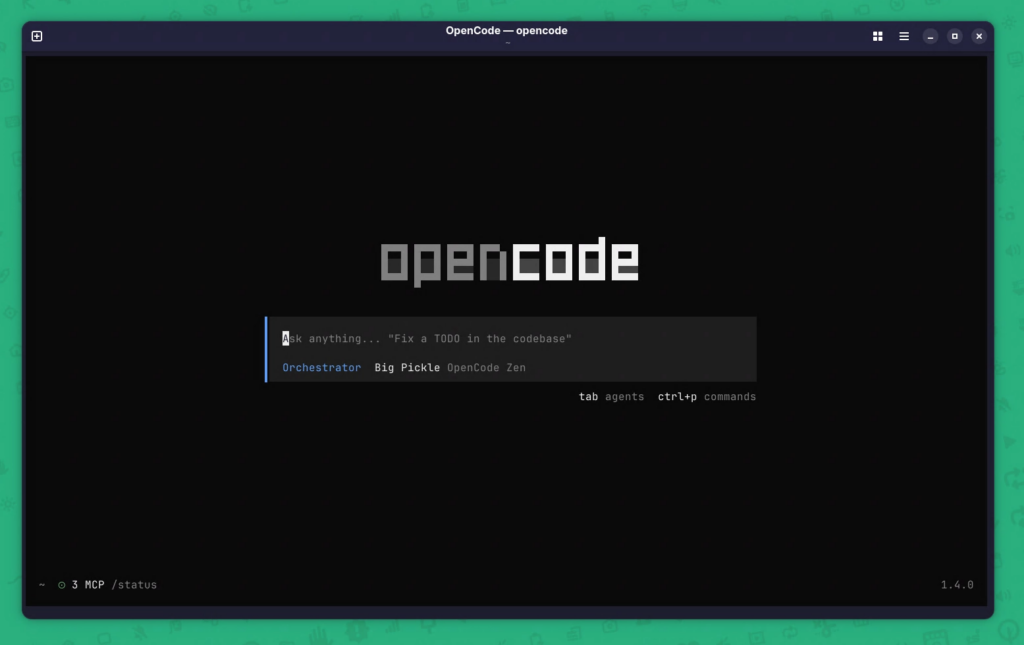
You’ll know Oh-my-opencode-slim is active thanks to the “Orchestrator” entry and “Big Pickle” shown under the text input bar.
At this point you can start interacting with the agents by writing a simple prompt.
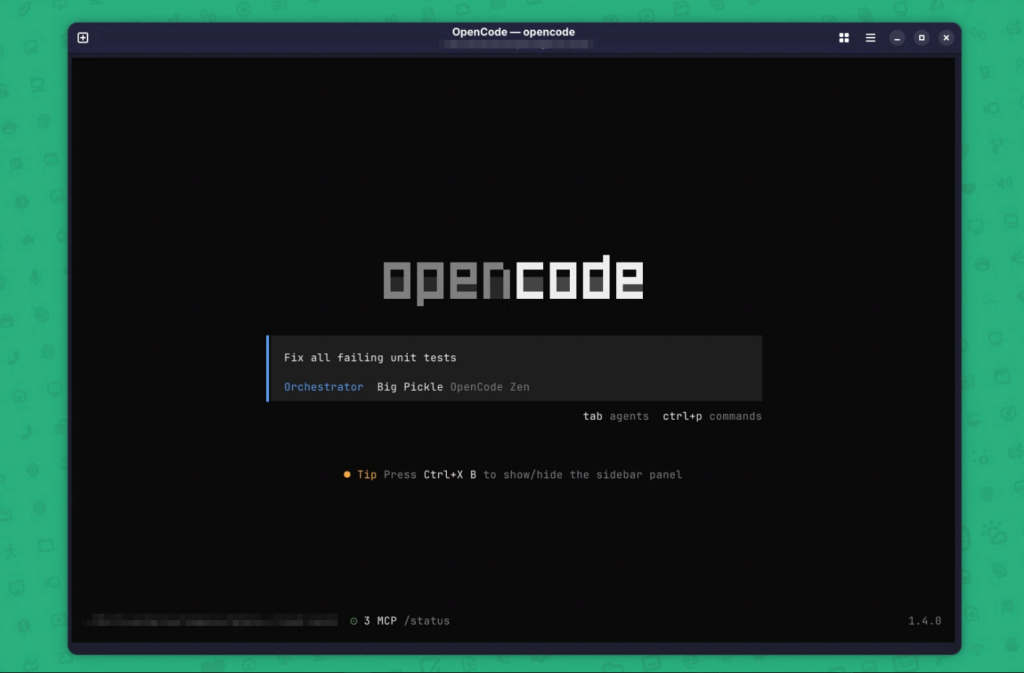
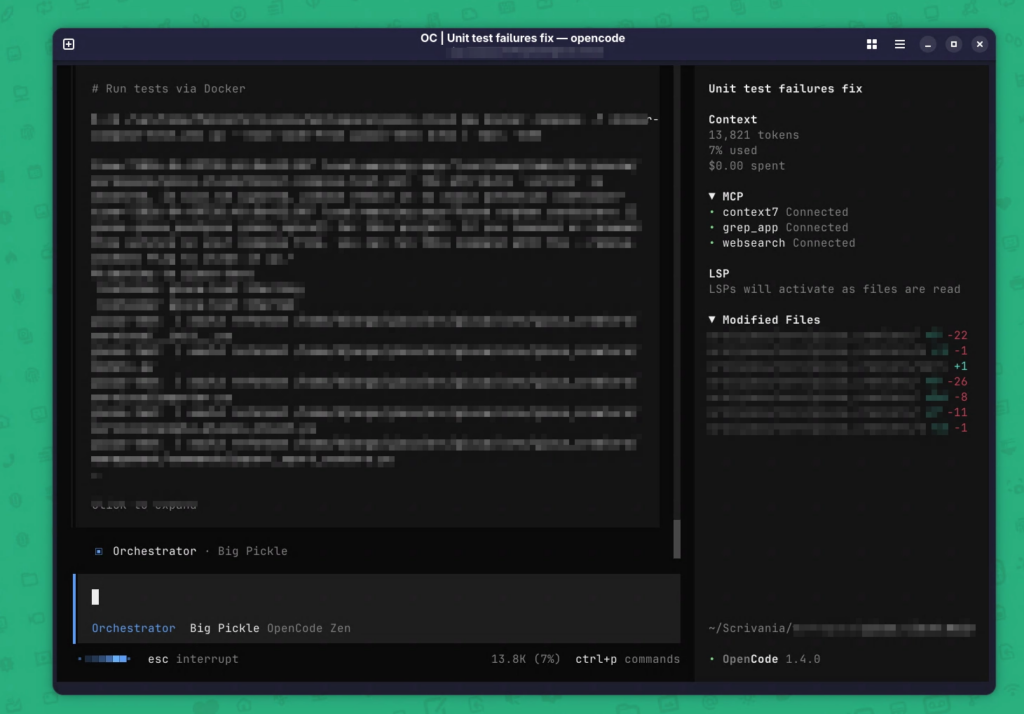
And finally you can watch the agents at work on your codebase (sorry for the blur).
Conclusions
Overall, Oh-my-opencode-slim paired with Big Pickle’s free models is a great option for anyone who wants to build small-to-medium personal projects in their free time.
That said, I don’t recommend using this free model in work contexts where data privacy is significantly more important.
This tool can also connect to multiple premium model providers like OpenAI, Copilot, Anthropic, and more.
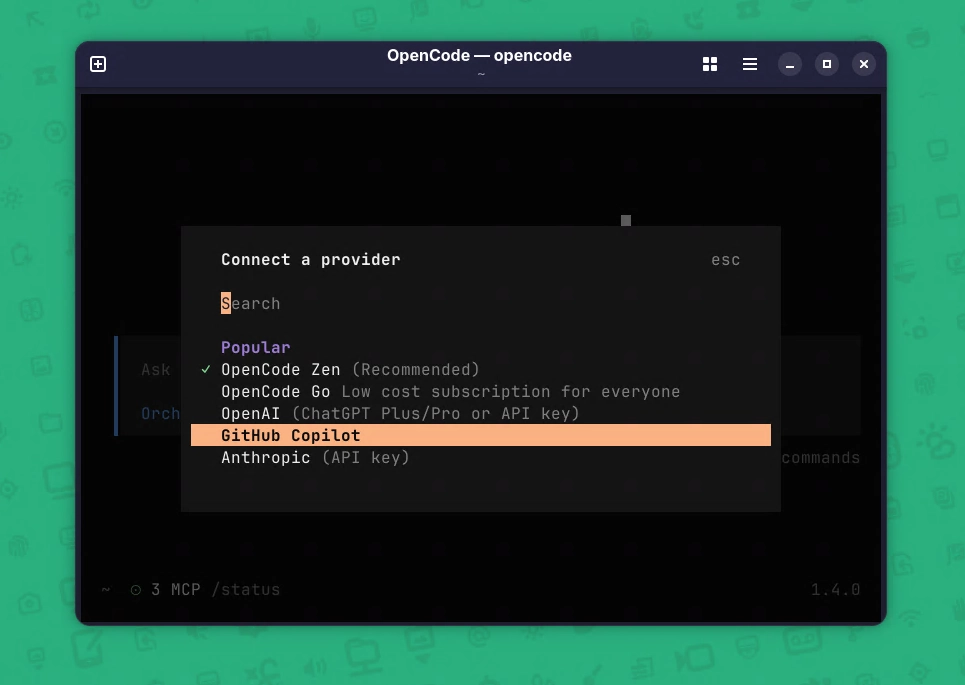
In that scenario, using Opencode can make a lot more sense for professional purposes according to your company’s policies.
Have you ever tried OpenCode and/or Oh-my-opencode-slim? Do you know something better (or a different setup you recommend)? Let’s discuss in the comments.